 Setia
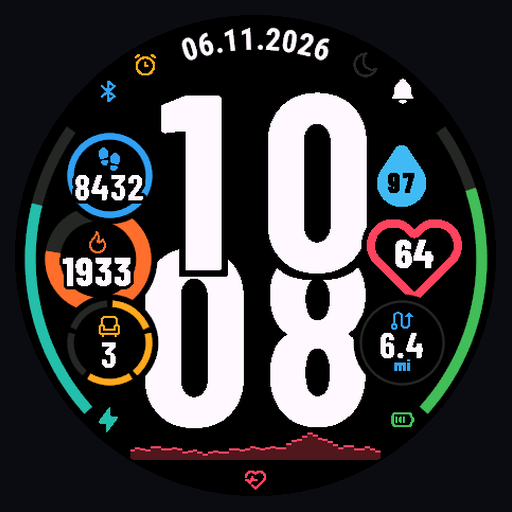
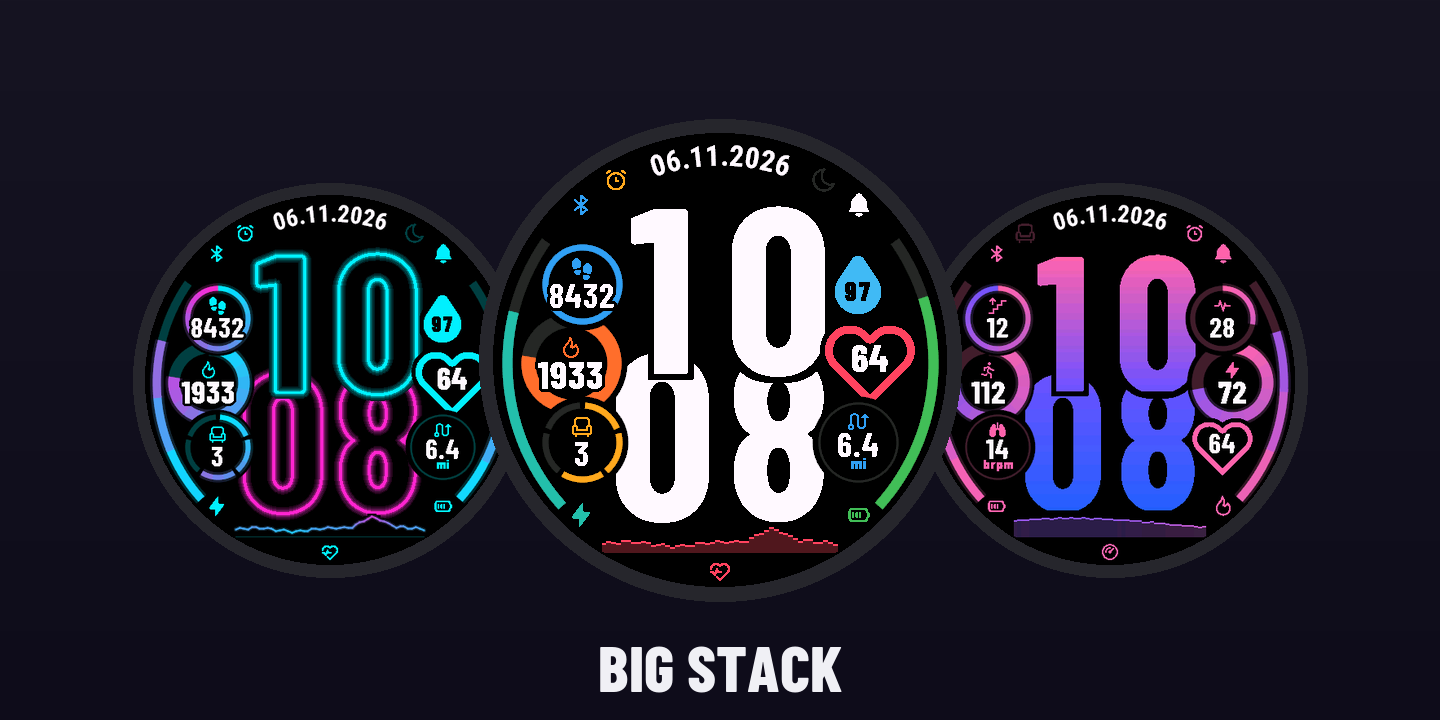
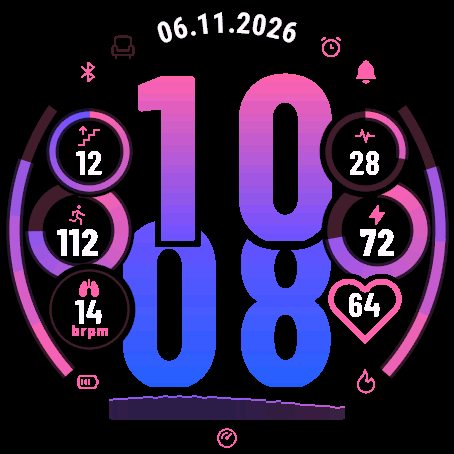
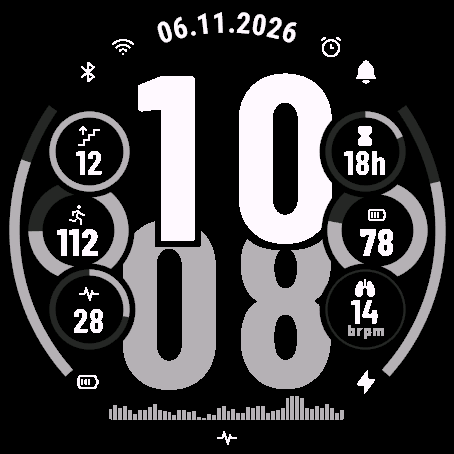
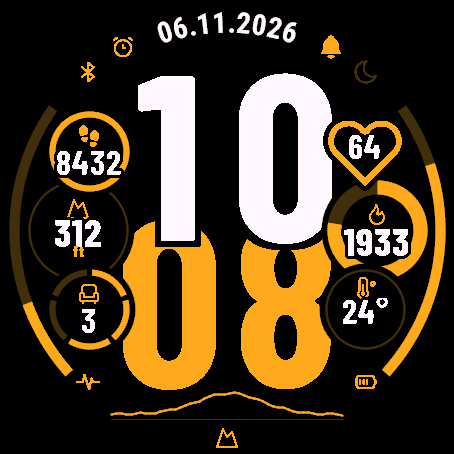
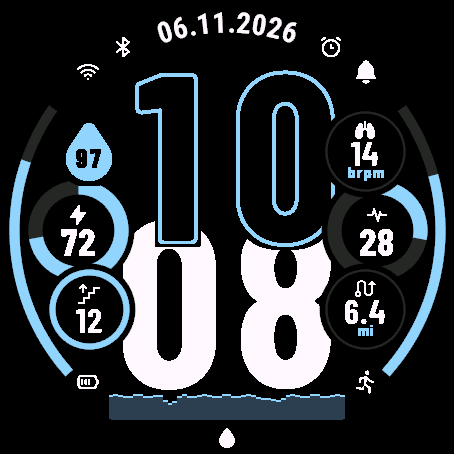
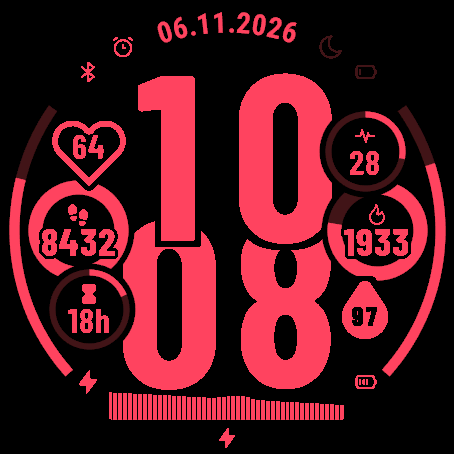
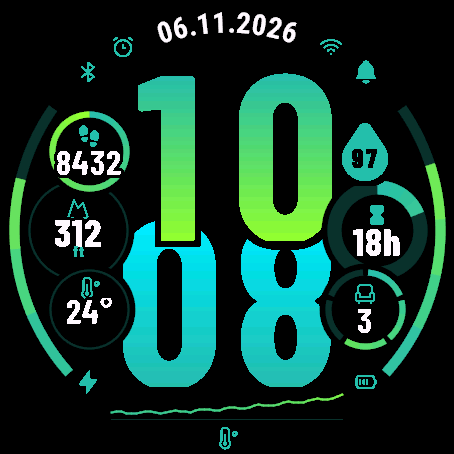
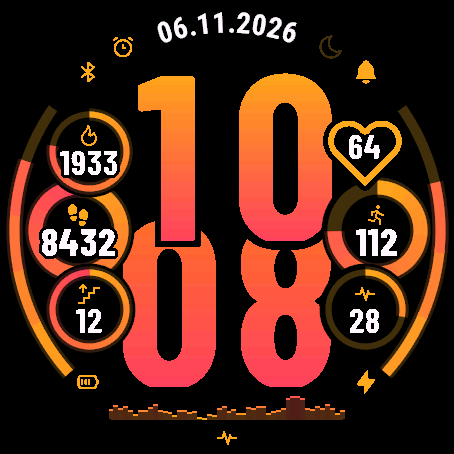
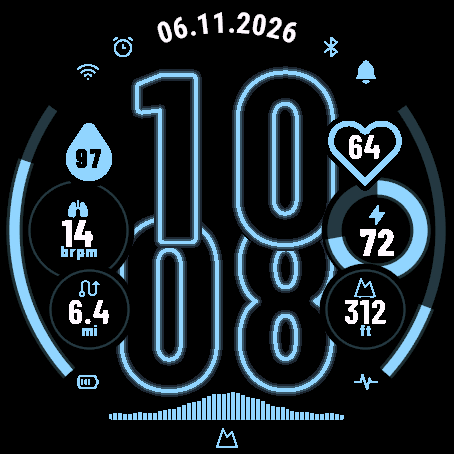
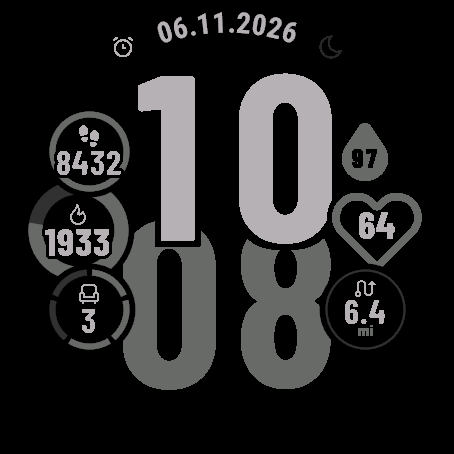
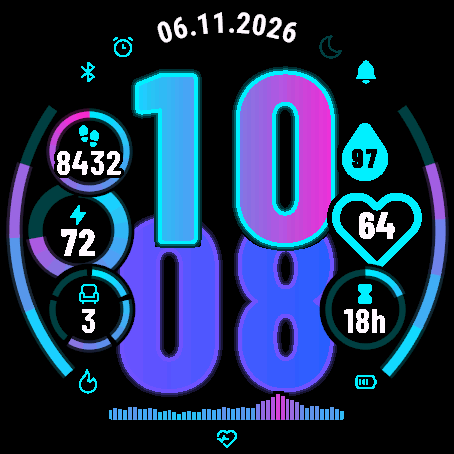
Big Stack puts the time front and centre: a giant hour stacked over the minute, cut apart by a clean knockout gap. Around it, everything you check during the day stays one glance away.
Features
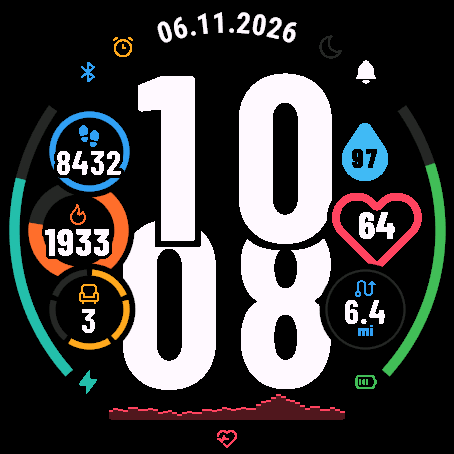
Huge stacked time
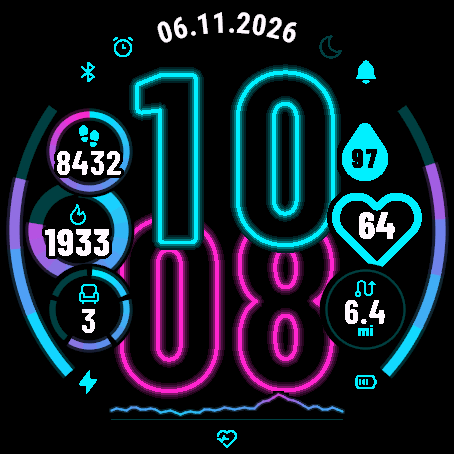
Hour over minute, solid or outlined, with optional gradient fill and neon glow.
Six ring gauges
Two large, four small, from 15 measurements: steps, calories, floors, Body Battery, stress, heart rate, Pulse Ox, recovery time and more.
Bezel gauges and a graph
Two curved gauges along the sides, and a history graph across the bottom over 1 to 12 hours, as area, line or bars.
11 free themes
Vivid, Mono, Amber, Ice, Night red, Neon, Synthwave, Aurora, Ember, Frost and Stealth.
Only what you need
Every ring, gauge, status icon and the graph can be set to None.
Made for AMOLED
A minimal always-on mode that shifts every minute to protect the screen. 24 or 12-hour time; units follow your watch.
Free and premium
Free
Always
- All 11 themes
- Every layout option
- No network use at all
Premium
$2 once
- The Custom theme: your own digit and gauge colours
- Gradients, outline, glow and track colours
- One-time unlock, tied to your watch
Try before you pay: every time you save the paid settings you get a free 3-minute preview on your watch. How to unlock
Works on
Garmin. Round 454 x 454 AMOLED watches: fenix 8 / 8 Pro, fenix 9 / 9 Pro, tactix 8, quatix 8, Forerunner 965, 970, 570 47 mm, Venu 3, Venu 4 45 mm, epix Pro (Gen 2) 51 mm, tactix 7 AMOLED, MARQ (Gen 3), D2 Air X15, D2 Mach 1 Pro, D2 Mach 2 / Mach 2 Pro, Descent Mk3i 51 mm, Approach S70 / S72 47 mm. The store shows the exact list.
Settings: In the Garmin Connect app: Watch Faces, then Big Stack, then Settings.
Help
Credits: Barlow Condensed font (SIL OFL 1.1); icons from Tabler, Phosphor (MIT), Lucide (ISC), Material Symbols, Remix Icon (Apache 2.0).