 Setia
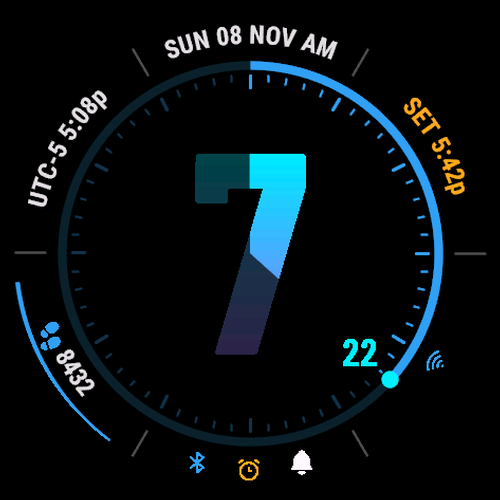
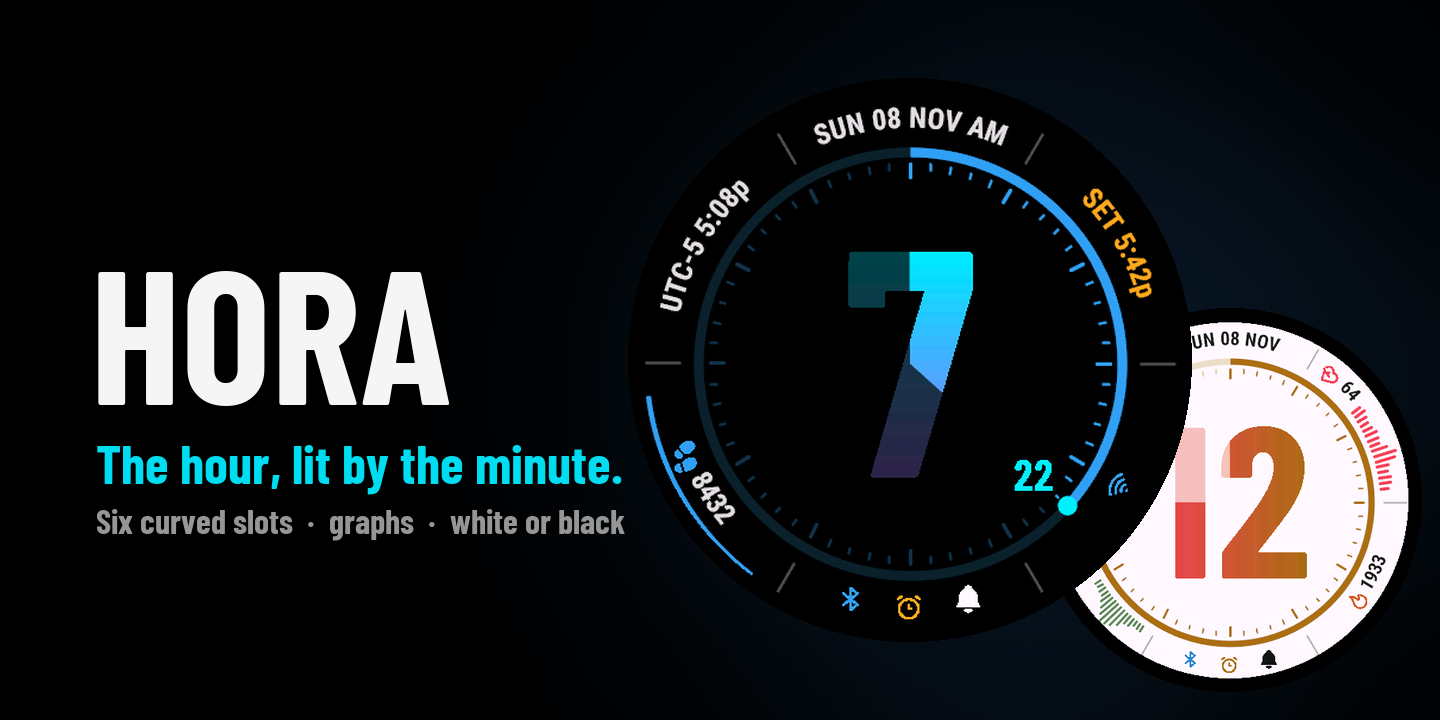
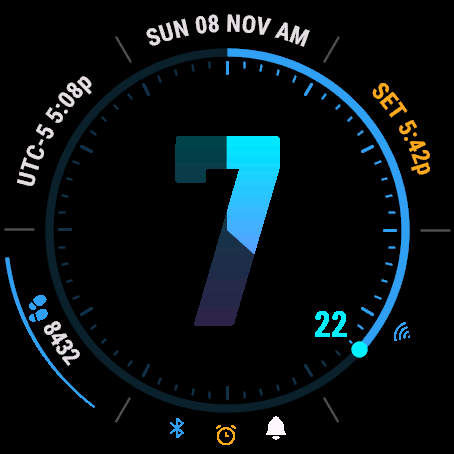
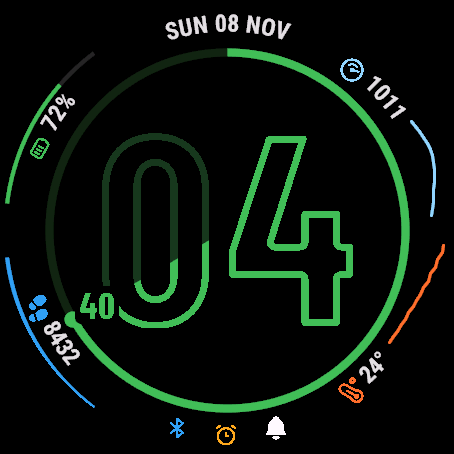
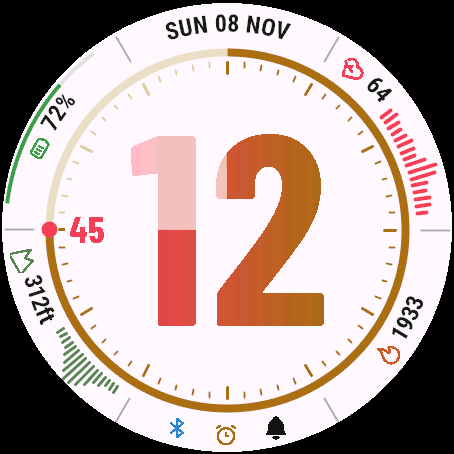
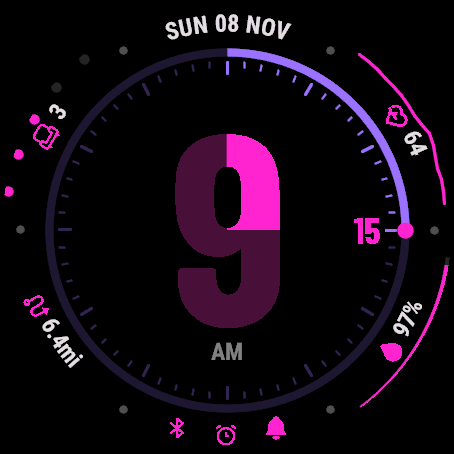
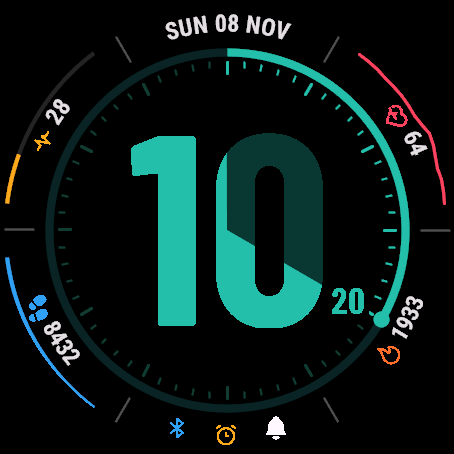
Named after the Horae, the Greek goddesses of the hours, Hora puts the hour first. One giant hour lights up as the minute sweeps across it: a quarter lit at quarter past, half at half past. Read the hour at a glance and the minutes by how far it glows. Or invert the glow: the hour starts lit and the passing minutes dim it.
Features
A giant hour that glows
The minute sweep lights the hour, or dims it with the inverted glow. A minute arc carries the minute number at its tip.
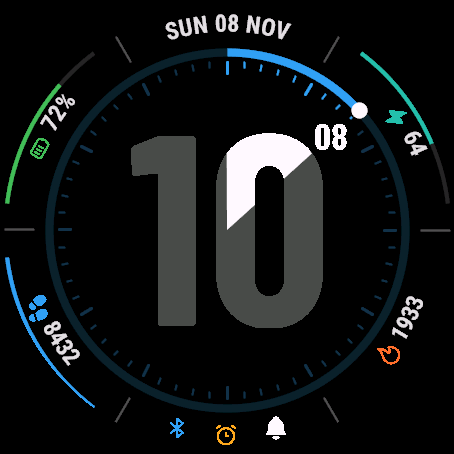
Six curved bezel slots
Each slot is your choice: date, 15 measurements (battery, steps, Body Battery, stress, heart rate, Pulse Ox and more), a graph, status icons, sunrise/sunset or a second time zone.
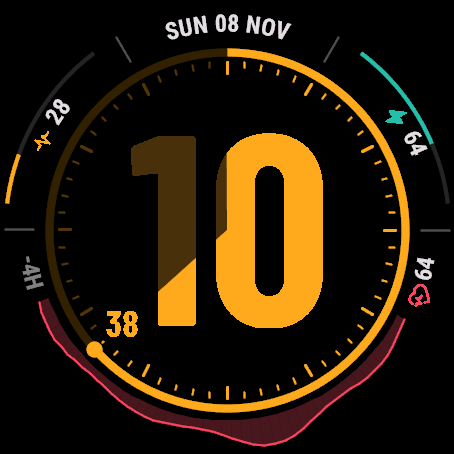
Curved graphs
Heart rate, stress, Body Battery, altitude, pressure, temperature or Pulse Ox over 1 to 12 hours, as area, line or bars. In a slot, or as one wide graph.
Your colours
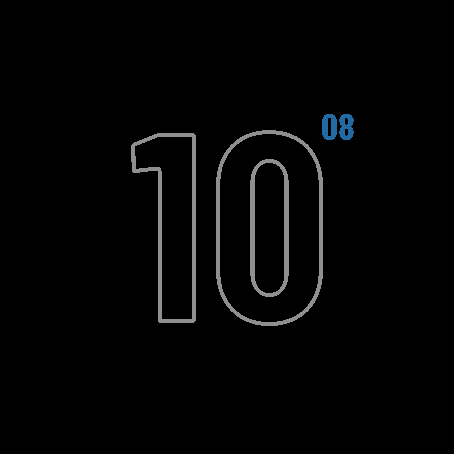
Solid or outline digits, 14 colours, a two-colour gradient, three shades, black or white background.
Status icons
Two groups of four: phone, alarm, do not disturb, notifications, Wi-Fi, move alert, low battery. Off icons dimmed or hidden, the rest re-centred.
Made for AMOLED
Always-on mode that protects the screen. 24 or 12-hour time with AM/PM; units follow your watch.
Free and premium
Free
Always
- The default look
- 12 or 24-hour time and AM/PM
- No network use at all
Premium
$2 once
- Your own look: colours, glow, background
- Bezel slots, graphs and icons
- One-time unlock, tied to your watch
Try before you pay: every time you save the paid settings you get a free 3-minute preview on your watch. How to unlock
Works on
Garmin. Round 454 x 454 AMOLED watches: fenix 8 / 8 Pro 47 mm, fenix 9 / 9 Pro 47 mm, Forerunner 965, 970, 570 47 mm, Venu 3, Venu 4 45 mm, epix Pro (Gen 2) 51 mm, MARQ (Gen 3), D2 Mach 2 / Mach 2 Pro, Descent Mk3i 51 mm, Approach S70 / S72 47 mm. The store shows the exact list.
Settings: In the Garmin Connect app: Watch Faces, then Hora, then Settings.
Help
Credits: Barlow Condensed font (SIL OFL 1.1); icons from Tabler, Phosphor (MIT), Lucide (ISC), Material Symbols, Remix Icon (Apache 2.0).